UI Customization
Introduction
IntelliProve offers comprehensive white-labeling capabilities, allowing you to transform our UI components into a native extension of your own platform. Our system supports control over colors, typography, and logos, including localized privacy policy integration for a cohesive user journey.
How to
Most visual customizations are performed directly within the IntelliProve admin tool. No CSS overrides are required for standard theming — simply input your brand assets, links and HEX codes to see the changes reflected in your environment.
Colour theming
Default theme
Preview
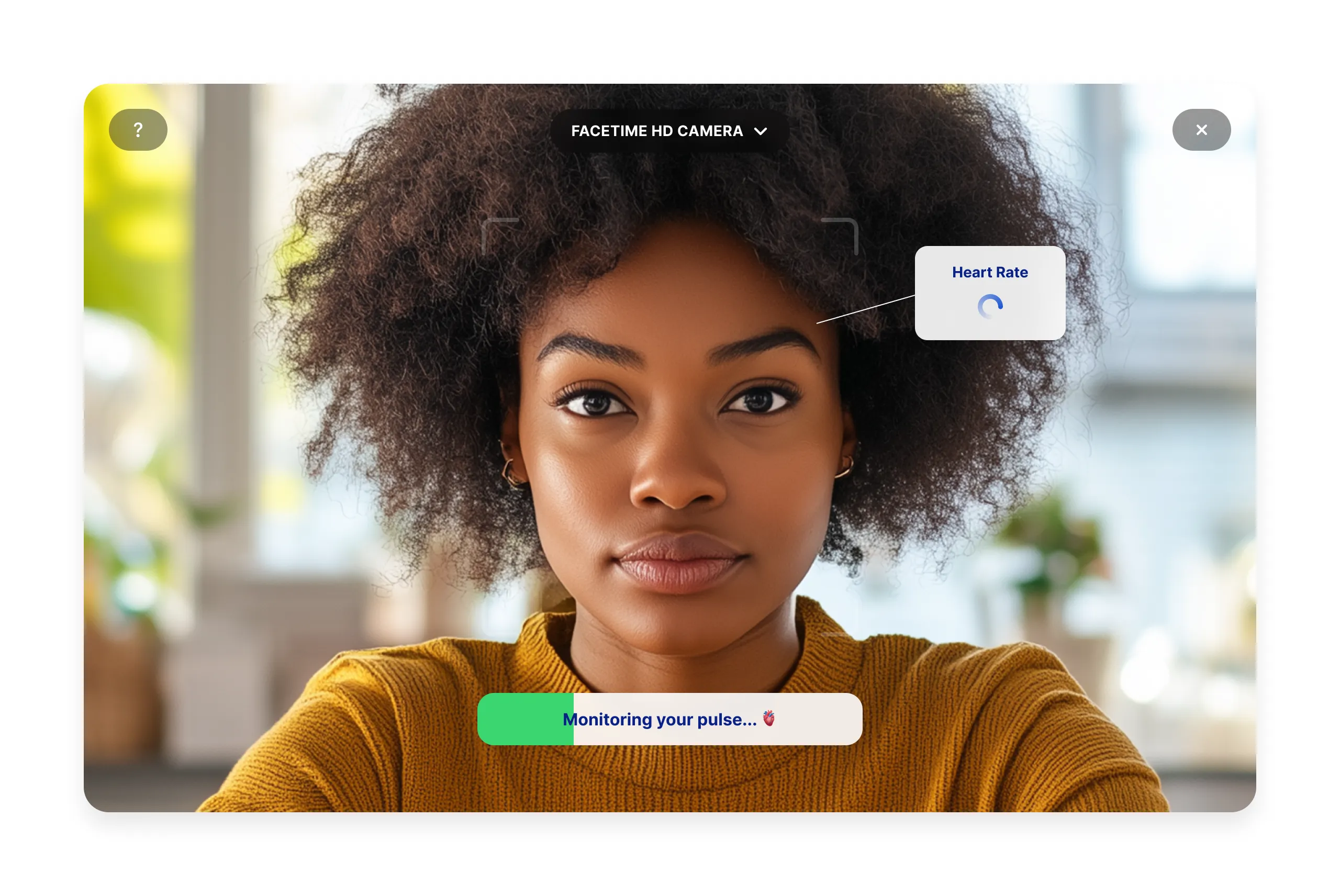
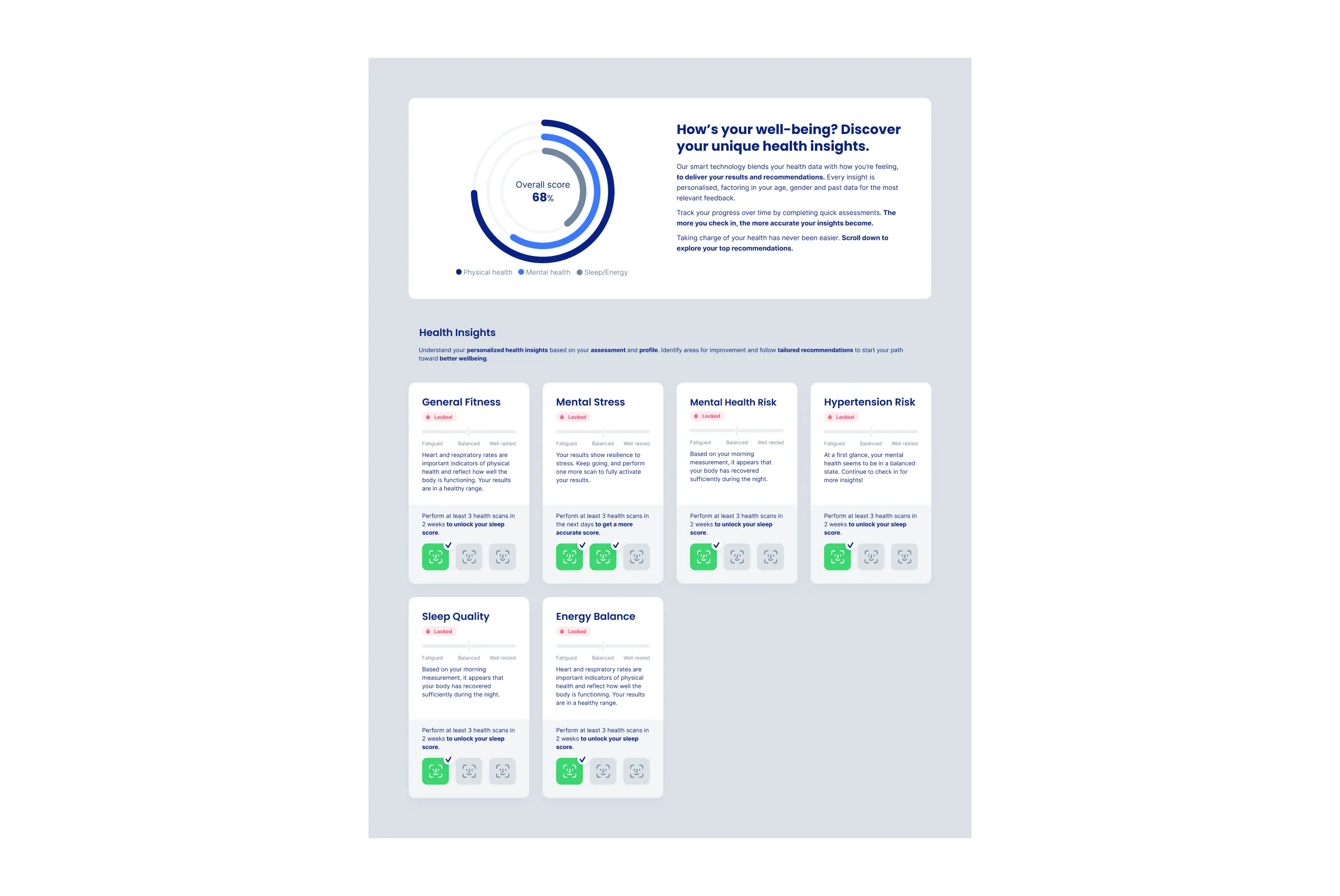
Custom theme
Brand-specific theming can be achieved using the colour's HEX codes for:
- Your brand's primary colour
- Your brand's accent colour
- The colour for text body
- The colour for text headings
Use the admin tool to set your desired colors. This will apply accross all plug-in components and widgets.
Note: IntelliWidgets also support individual fine-tuning of the appearance.
Fonts
In addition to personalised colour theming, we also provide the option to customise the text font used in the web app.
Choose your preferred font family from the Google Fonts repository, containing more than 1500 different font families. You can find the full list here.
Alternatively, upload your own custom font.
Face Scan Trust page
The trust page in the Face Scan plug-in ensures users understand their data is handled with care and according to regulations. The two links can be configured to point to your own Terms of Use and Privacy Policy, to cover the necessary legal obligations.
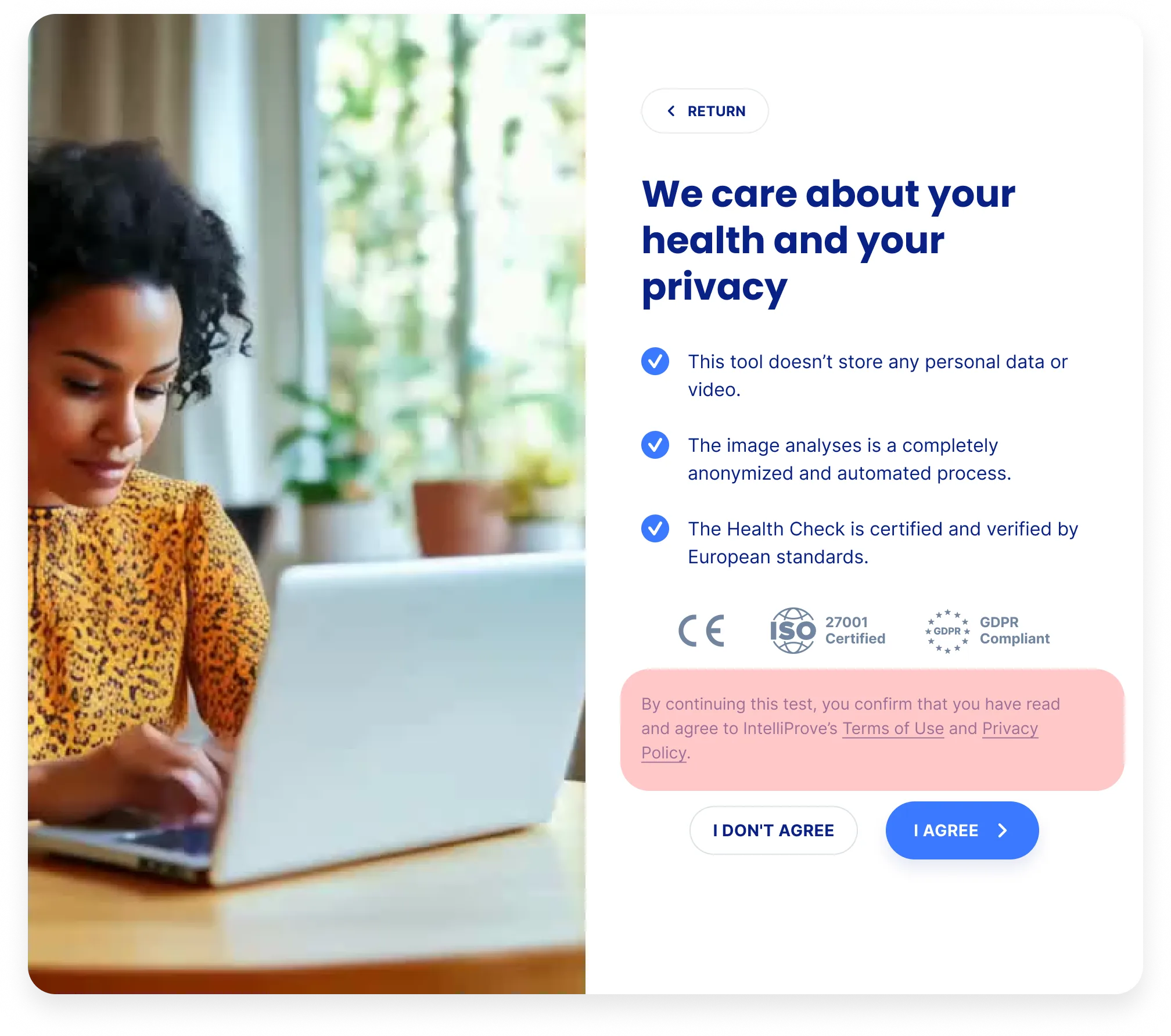
The welcome and trust page can be disabled if you own platform already handles this part. Refer to the Plug-in components documentation for more information.