Plug-in components
Overview
IntelliProve's plug-in components are web applications that can be easily embedded in your platform. The plug-in components provide a fast and easy way to integrate Face Scans into your own website or app — without building anything from scratch. With just a few lines of code, you can give users access to advanced health-scanning technology and engaging, science-based insights — all under your brand.
IntelliProve offers two plug-in components:
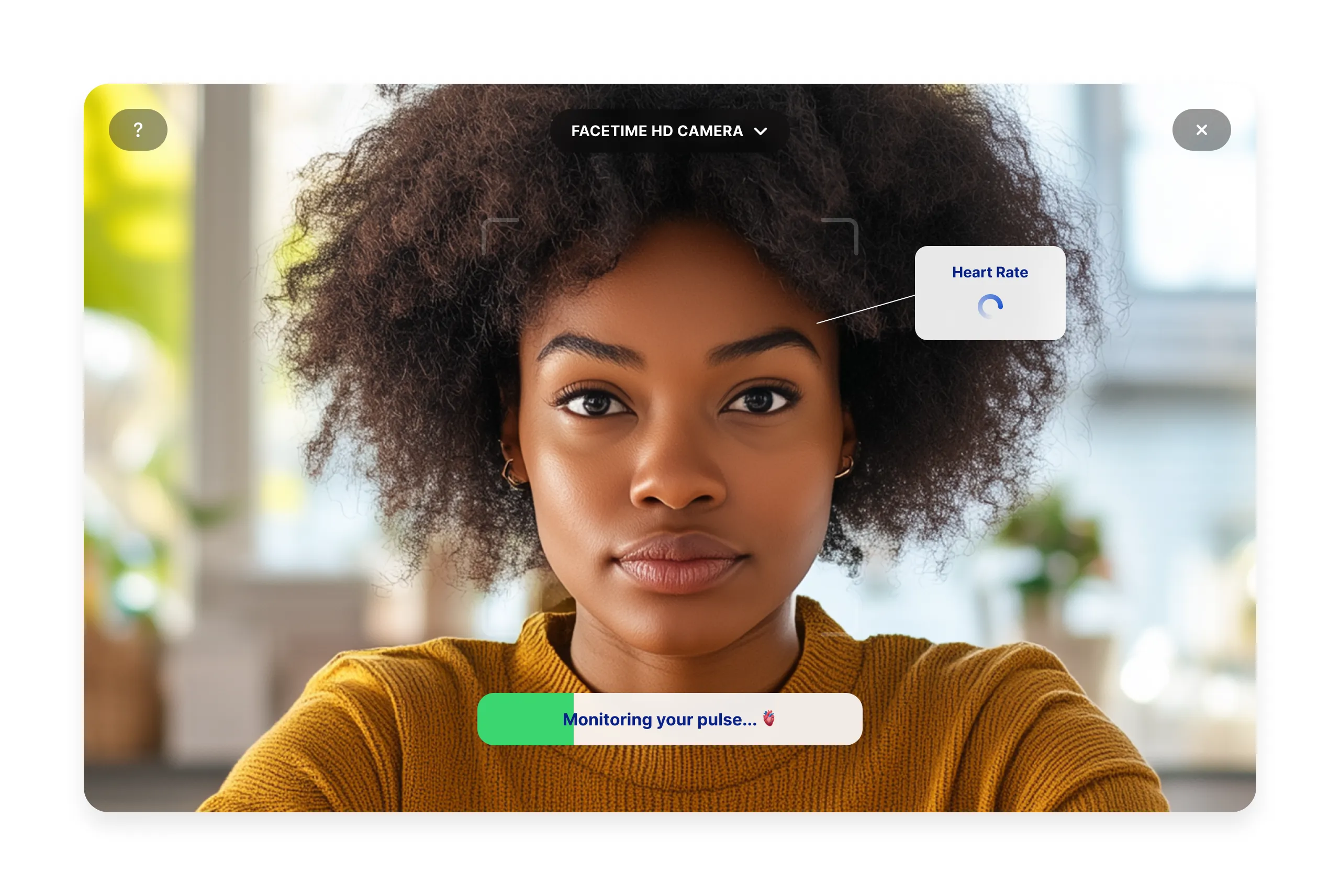
- Face Scan plug-in — a plug-and-play component to perform Face Scans.
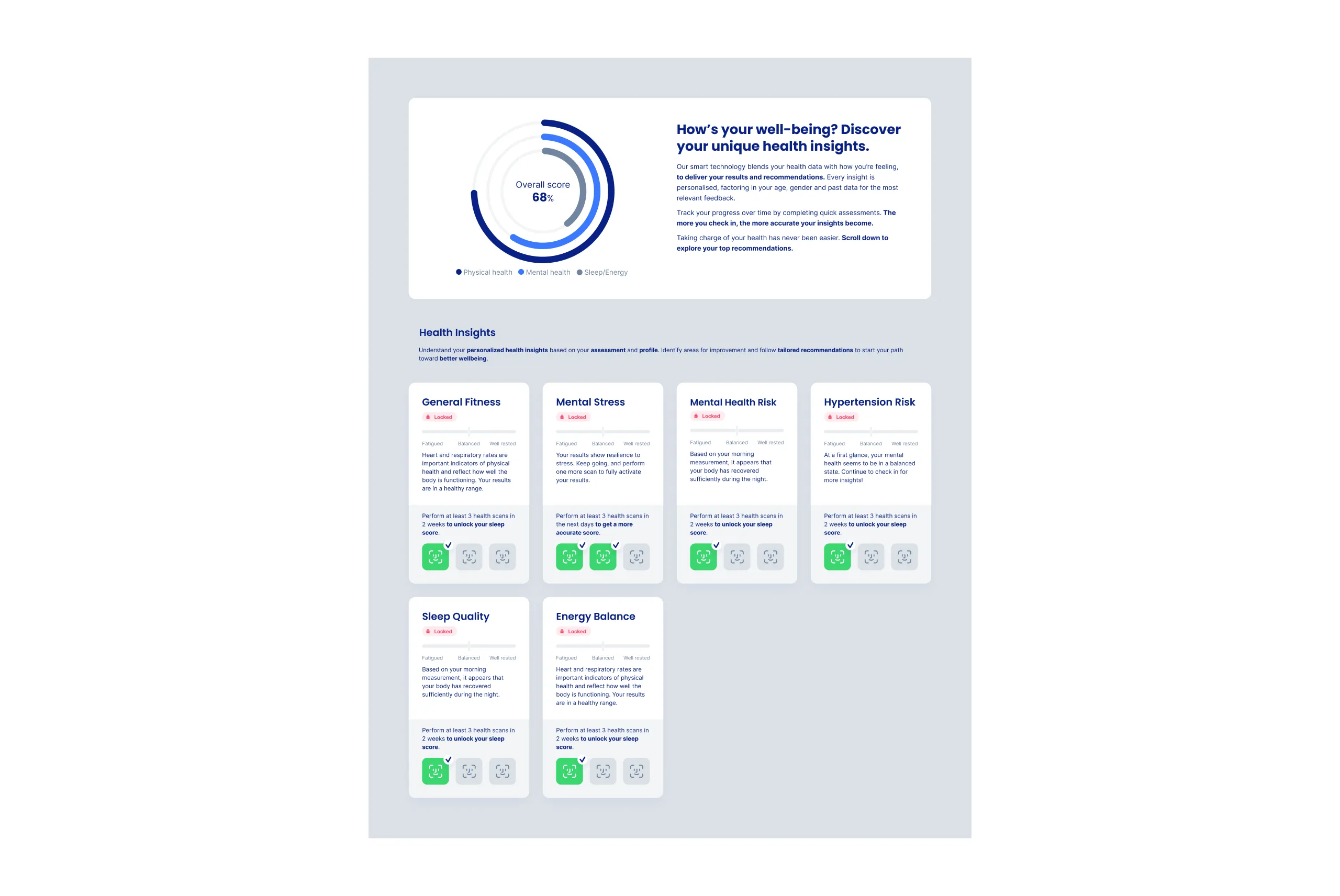
- Health Dashboard plug-in — a plug-and-play component that displays Health Insights directly to your users.
Additionally, our IntelliWidgets library consists of customizable widgets powering various usecases for displaying health insights, for a more modular setup.
Combined, these components enable you to quickly embed the core of IntelliProve's solution into your digital product quickly, securely and with minimal development effort. At the same time, with the Rest API , you have the flexibility to create fully customized, data-driven user journeys tailored to your unique use case.
Key features
✅ Ensure a qualitative Health Check with clear instructions and onboarding
✅ Ready-to-use plug-in to perform the Face Scan, including a quality check to guarantee optimal conditions
✅ Ready-to-use plug-in to visualize Health Insights.
✅ Smart question flow to collect additional user details for more personalised insights.
✅ Customise the look and feel of the UI to match your branding and ensure a seamless integration.
How it works
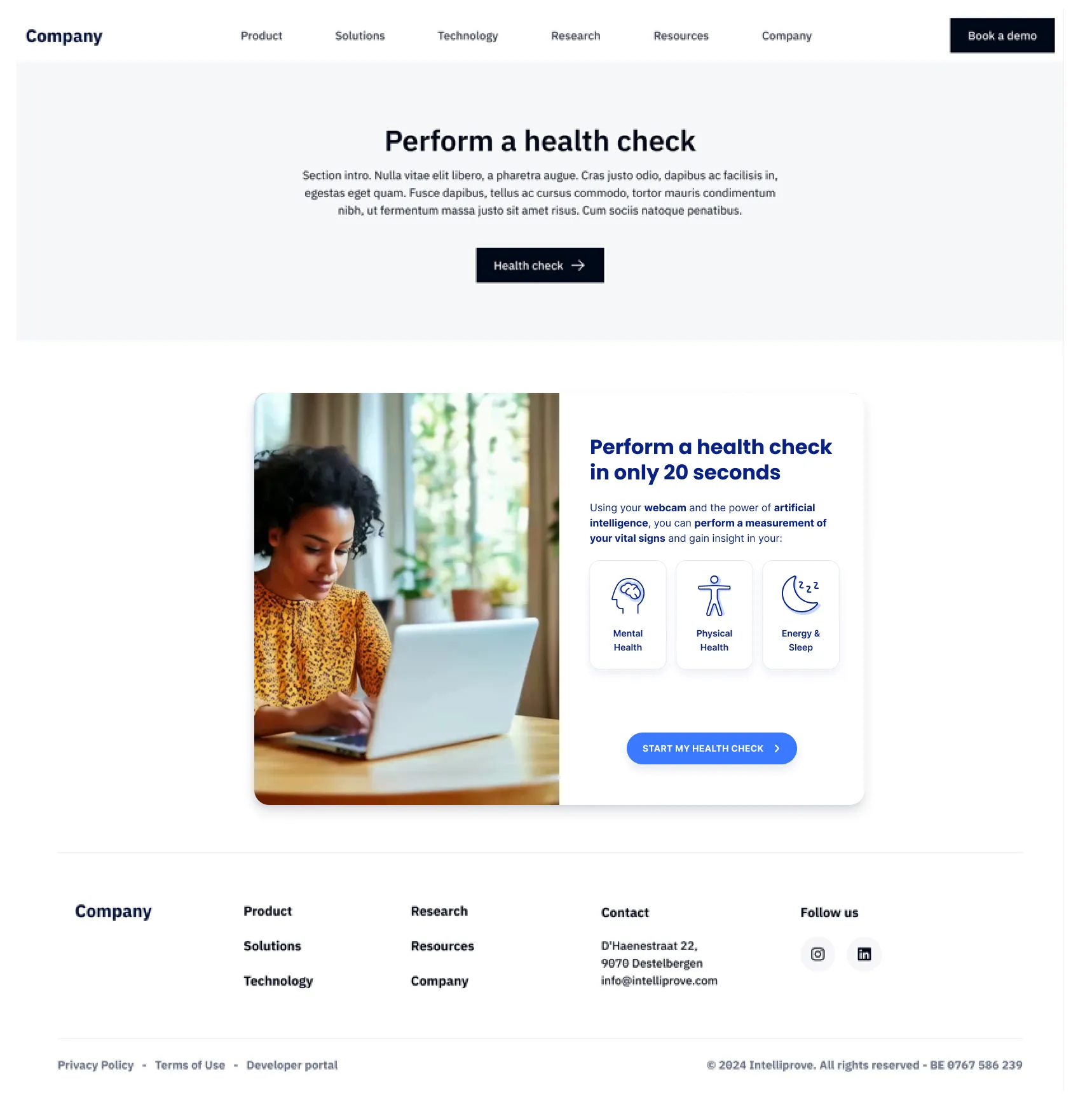
The plug-in components are web applications that can be embedded into any existing platform – whether a website or mobile app.
This approach keeps the more complex interfacing behind the scenes but still allows full flexibility to decide when or where the health scan is performed on your platform. You can place it on a section of a website page, within a pop-up, behind a button, or within a collapsible element.
The UI is fully customisable, allowing you to adjust primary and secondary colors, fonts, and logos to fit your brand. For detailed instructions on customisation, visit the UI Customization page in the technical documentation.
Read further
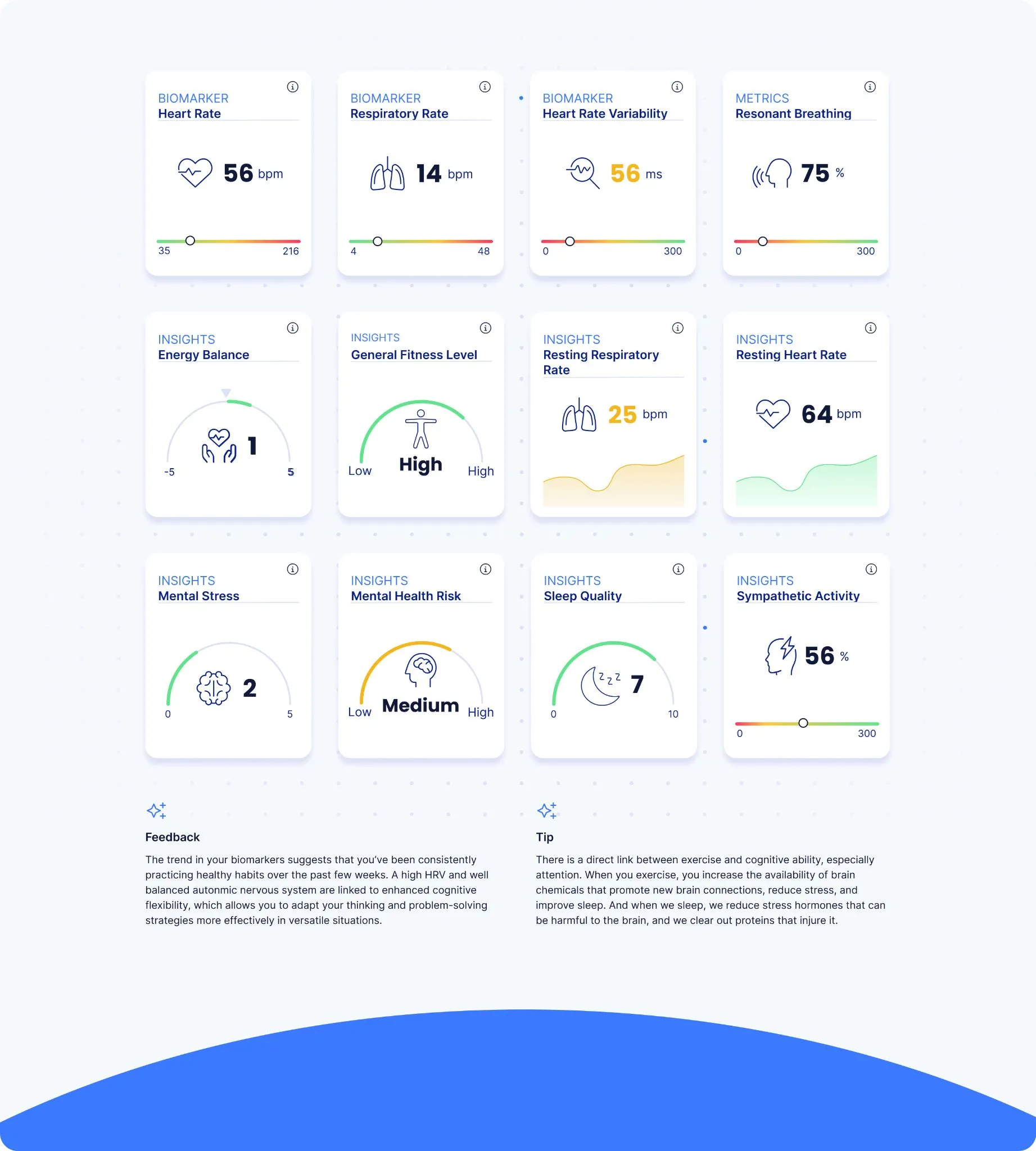
Visit the Health Insights documentation for a complete overview of all insights derived from the Health Check.
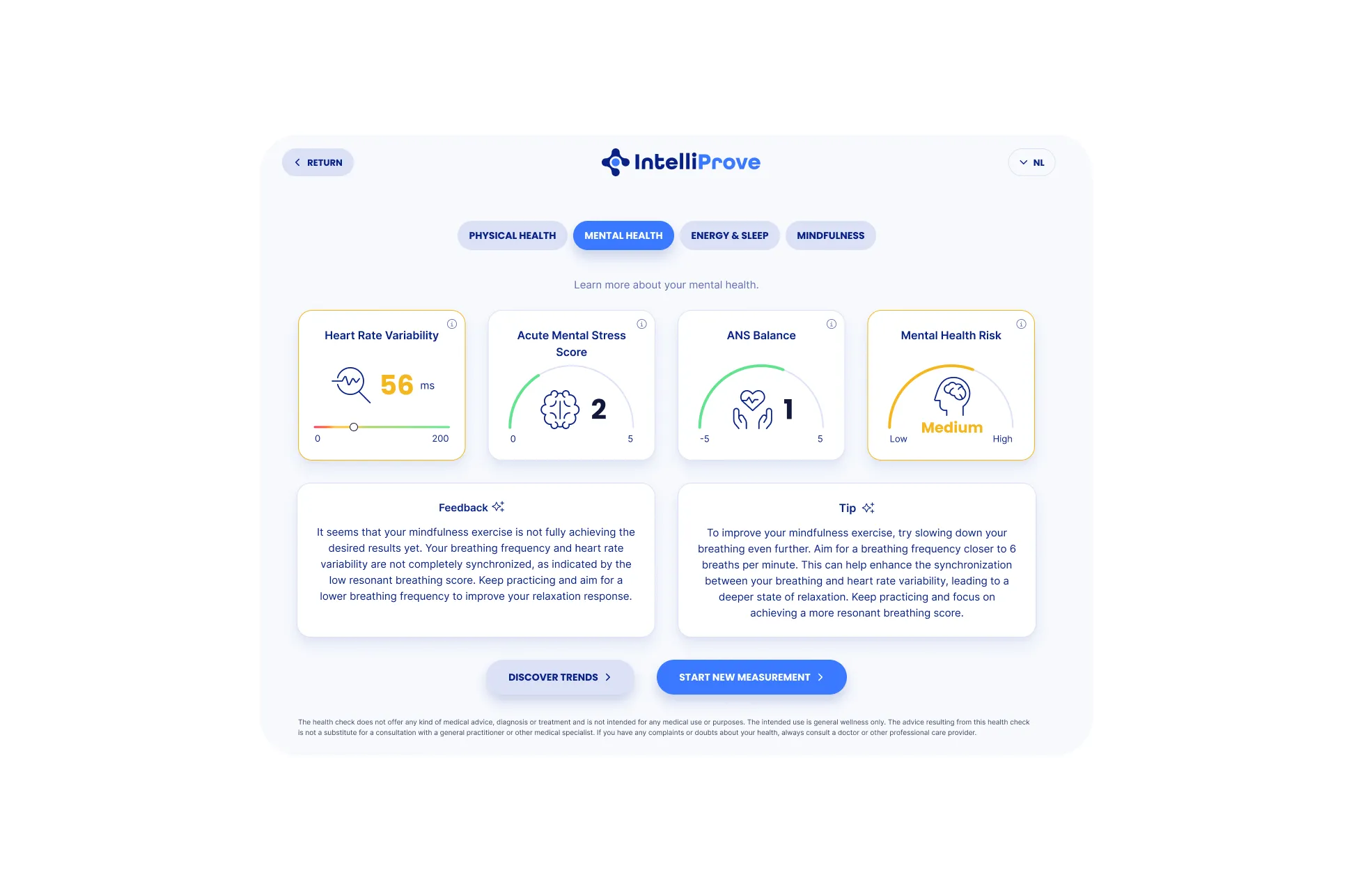
Explore the various approaches to presenting Health Insights to your users.
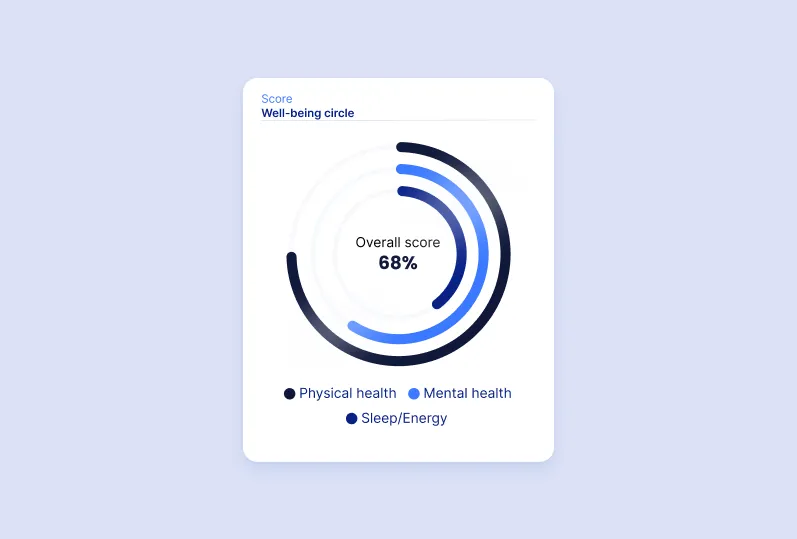
Discover how the insights are organized into various health topics and how this supports the user's Health Journey.